
An update, not a second app
If the previous mobile game is installed, this season updates that app.
Look at the icon you already have. If the previous mobile game is on the phone, this season does not arrive as a second icon. SEGA's getting-started page says the installed app updates. Sports Interactive staff, answering a player who asked whether it would install as an update or as a separate package, wrote one sentence: this mobile game will be an update to the previous mobile app. That reply also says a number of carry-over saves were tested, and that the team hoped to have ironed out as much as possible from those saves. Hope is not a guarantee. The sentence that is a guarantee is the install shape: update, not a new package.
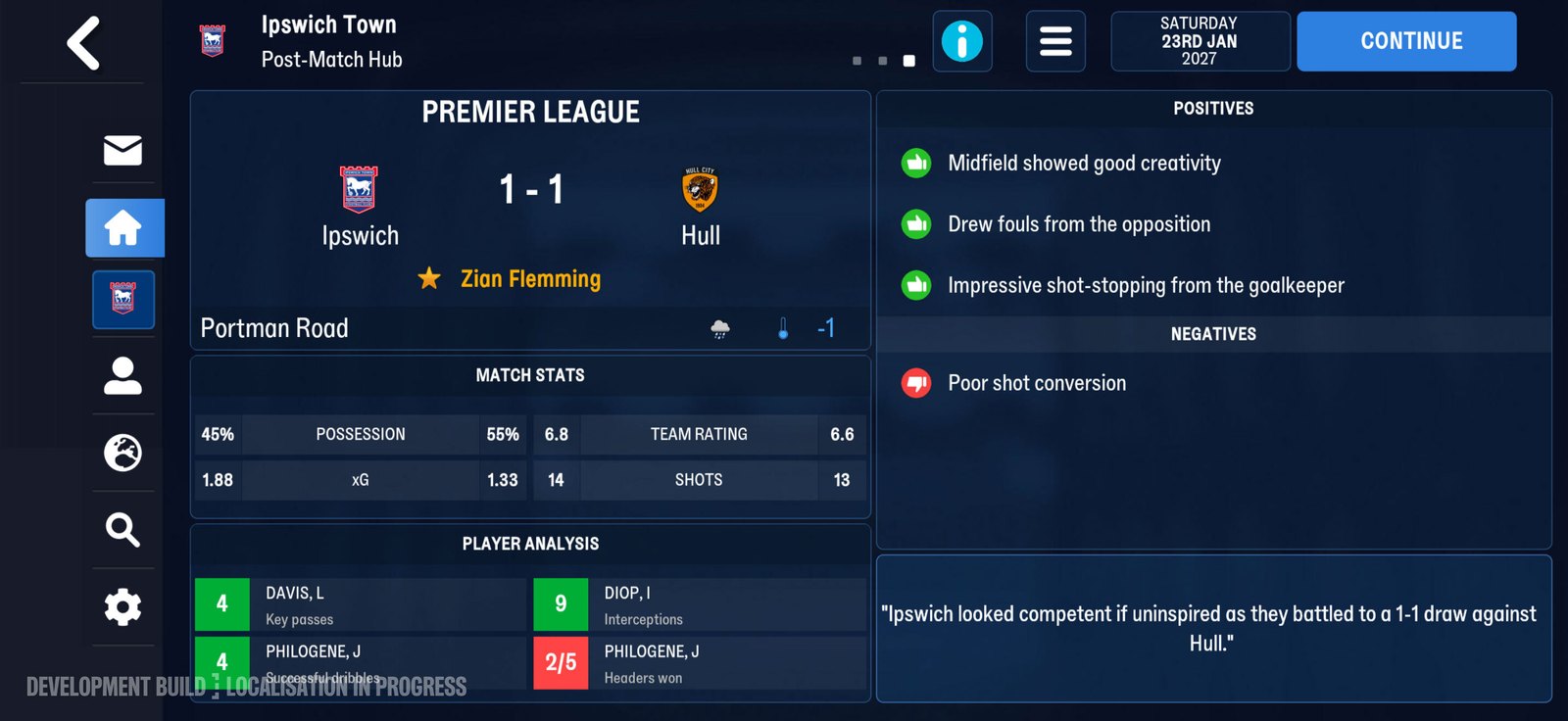
The post-match hub in this season's shell. Official screenshot, SEGA feature blog.
What disappears
The tech FAQ answers the obvious follow-up. Can you still download the previous mobile game from the Netflix store once this one is out? No. From 10 November 2026 you only download this season's mobile game from that store. The previous one is no longer offered there. Can you go back if you do not like the update? Not on a phone that can run this season. Because you updated the app, the previous app is no longer reachable once the device is compatible and the update has landed. The saves from that previous app are what you keep. See you cannot roll back.
What you tap
You do not search for a new package name and install beside the old one. You open the Netflix app, find Football Manager 27 Mobile, and take the store button. On a phone that already has the previous app, that button updates it. On a phone that does not, the same button is a first install. The step lists are on the install page. After the update, press Load Game. SEGA says you should see Football Manager 24 Mobile saves and Football Manager 26 Mobile saves there. If a career older than those two is what you wanted, the posts do not name it. Do not assume it appears.
Staff line versus support line
The community reply is from SI staff in the FAQ thread. The getting-started line is SEGA support. They agree on the install shape. They do not agree, on the pages this site read, about a single calendar date for availability. The Out Now post is dated 10 November 2026. The tech FAQ uses 10 November 2026 for the previous app leaving the Netflix store. The feature blog FAQ says from 11 November. Print all three. Do not sand them down.
| Question | Official answer | Where |
|---|---|---|
| Separate install or update? | Update of the previous mobile app | SI staff in the FAQ thread |
| Previous app still in the Netflix store? | No, from 10 November 2026 | SEGA tech FAQ |
| Go back to the previous app? | No, if the phone can run this one and you updated | SEGA tech FAQ |
| Which saves show? | 24 Mobile and 26 Mobile, under Load Game | SEGA tech FAQ |
Sources: FAQ thread, tech FAQ, Out Now.
Icon, not a second package
Sports Interactive staff answered a player who asked whether it would install as an update or as a separate package. The reply is one sentence on the install shape. This mobile game will be an update to the previous mobile app. Tested is not every career on every phone.
Netflix store after 10 November 2026
No. "Just grab the old listing" is not a path they left open. The harder version of that trade is you cannot roll back.
The tap, on either phone
Open the Netflix app. Find Football Manager 27 Mobile. Take the store button. You are not keeping two mobile apps side by side on a phone that can run this one.
Load Game after the update
Press Load Game. Those two saves are sorted on saves that carry. A missing name is not a hint to invent a career the posts do not name.
Three dates, left unsanded
Do not sand them down into one tidy day. Whether the phone can run this season is the check on the device page. A phone that cannot run it is not the compatible-phone case in the tech FAQ. Keep those cases apart.
Two phones, two stories
The same button does different things depending on what is already on the device, and the posts describe both cases without ever calling them by name. A phone with the previous mobile game installed gets an update. The icon stays where it is. The version underneath changes. Nothing asks you to remove anything first, and nothing asks you to keep two apps side by side. A phone without it gets a first install. Same button, same store handoff, same icon at the end. The difference is that there is no old app for the new one to replace, so the question of losing access to the previous version does not arise. What follows from the first case is the part people miss. Once the update lands on a compatible phone, the previous app is no longer reachable. The saves inside it come forward. The app does not. If you were expecting to keep the old version around for comparison, or to open a career in both, that expectation does not survive the update, and the tech FAQ is explicit that it does not.