
You cannot open the old app
On a compatible phone the previous app is gone. The saves stay.
The update is one way on a phone that can run this season. SEGA's tech FAQ says it plainly. You are updating the previous mobile app into this one. Once the device is compatible and the update has happened, you cannot open the previous app. You can use that previous app's saves inside this one. That is the trade. The career stays. The old app does not.
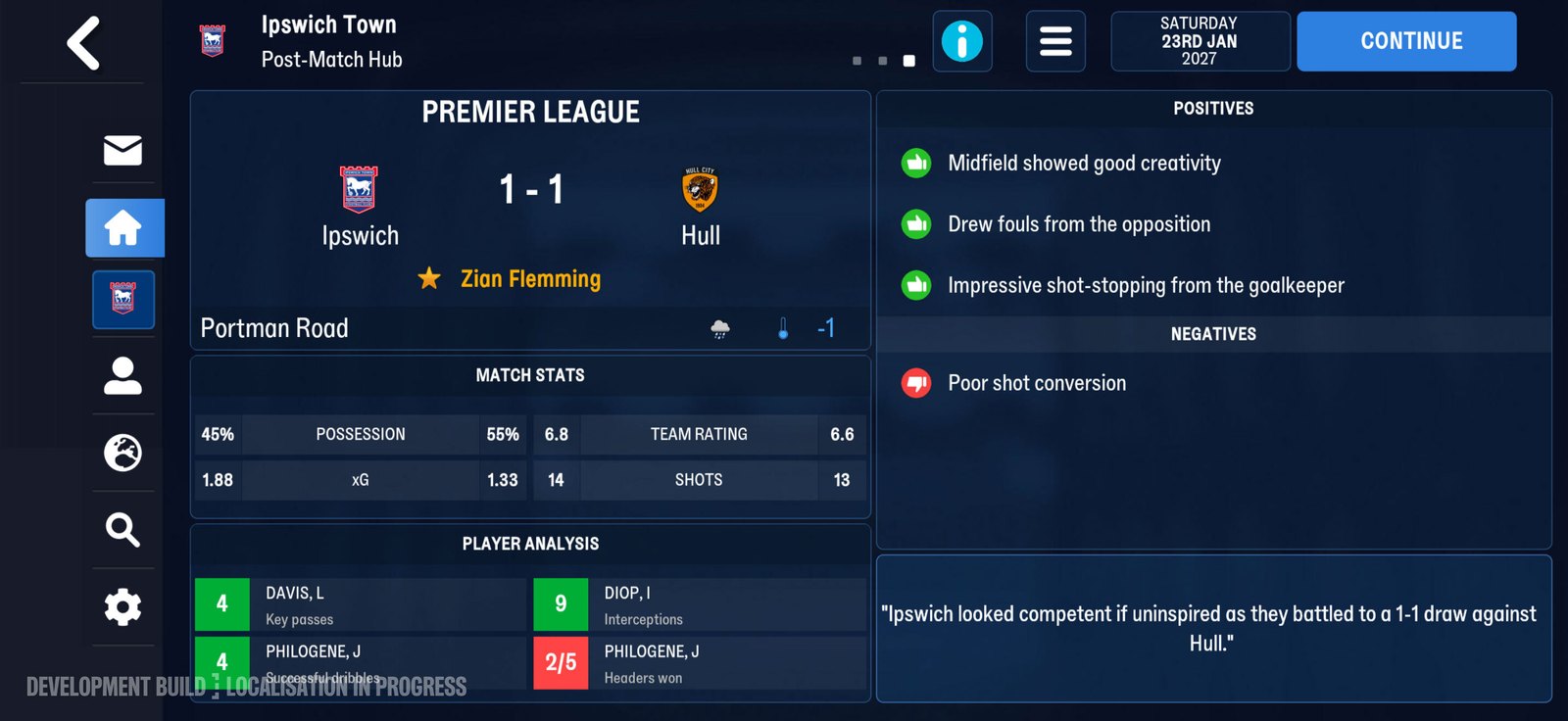
The post-match hub. The old app goes; the career does not. Official screenshot, SEGA feature blog.
The store stops offering the old one
From 10 November 2026 the Netflix store only offers this season's mobile game. The previous mobile game is no longer available to download from there. So you cannot "just reinstall the old one" from Netflix on a phone that has moved on. The date on that sentence matches the Out Now post's publication day. The feature blog's FAQ still says the new game launches from 11 November. The rollback answer uses 10 November for the old app leaving the store. Keep them as written.
| Situation | What SEGA says |
|---|---|
| Compatible phone, updated | previous app no longer reachable |
| Want the old download from Netflix | not from 10 November 2026 |
| Phone under iOS 17 or Android 10, and you had 24 Mobile | redownload that app from Owned Apps |
| Saves from the previous mobile app | usable in this one |
The exception is a phone that cannot update
If the phone is under Android 10 or iOS 17, the update is not the path. The tech FAQ says that is the likely reason you cannot update. If you are under that floor and you played Football Manager 24 Mobile, you can redownload that app from Owned Apps on the device. That is a redownload of the older app, not a rollback of this season. It is only written for phones that miss the new minimum, and only for the 24 Mobile app. It does not say the previous season's app returns the same way.
What you still have
Load Game, after a successful update, should list the 24 Mobile saves and the 26 Mobile saves. Tactics and training setups carry, with new roles left for you to set up. Those are the things the FAQ says survive. The old icon, on a compatible phone, does not. If you updated and you hate it, the published answer is not a downgrade button. It is: play this season with the save, or talk to support.
One way, on a phone that can run it
Read it before you tap, not after you miss the old icon.
Old download leaves the Netflix store
The listing you remember is not sitting there as a fallback. Do not average them into a softer day.
Under the floor is a different case
A phone that can run this season does not get to borrow that Owned Apps line as a downgrade. How the floor is printed is on the device page.
After it lands
Where those saves sit is saves that carry. New roles are left for you on tactics that carry.
Hate it, still no downgrade
Uninstall-and-hope is not a sentence they published. Do not treat a missing old icon as a bug you can patch with a reinstall from Netflix. From 10 November 2026 that store is not offering the previous mobile game. The path that performs the update is on the install page. On a compatible phone, finishing that path is the moment the previous app stops being reachable. The saves are the part you still have.
Before you tap update
The order matters more than the warning does. Three things are worth doing while the old app still opens, because after the update lands none of them are available to you. First, open the career you care about and look at what it actually holds. The league you are in, the season you are in, the save name as the phone writes it. Load Game after the update lists saves by their own names, and a career you cannot recognise on a list is a career you will hesitate over at the worst moment. Write the name down if the phone lets you keep notes. Second, take a screenshot of the squad and the tactics screen. Not for the site. For you. A carried save keeps your setups, but a picture of the shape you were playing is the fastest way to tell whether the carried version looks like the save you left. The tech FAQ says the setups carry. It does not say the screen will look identical. Third, decide about the 24 Mobile app while you can still see it. If the phone is under the floor, the Owned Apps redownload is your only written path back to that app, and it is written for that app only. That is the whole difference between the two cases, and it is decided by the device, not by how much you liked the old version. None of that is a backup of the save in the cloud sense. The listing this site read does not describe a cloud copy, and the posts do not promise one. What you are doing is making the transition legible to yourself, so that on the other side you can tell a save that loaded correctly from a save that loaded oddly. The check after it lands is on saves that carry.
What to say to support
If Load Game comes up short, the published next step is a support ticket, not a reinstall. SEGA's support pages are the route the tech FAQ points at. Say three things: the phone model, the operating system version, and the save name you expected to see. Do not lead with the rollback request. The tech FAQ has already answered it for a compatible phone, and a ticket that opens by asking for the impossible is a ticket that spends its first reply on that answer. The question that has an answer is why a named career did not appear on the list. There is one case where the request is not impossible, and it is narrow. A phone under Android 10 or iOS 17 that had Football Manager 24 Mobile can redownload that app from Owned Apps. That is a redownload of the old app, written for a device that misses the new floor. It is not a downgrade of this season, and it does not return the previous season's app. If you are on a compatible phone, that door is not open to you, and no amount of explaining will make the FAQ cover it.