
Tactics menu at the start
At the start of a career the Tactics menu points at players for each role. It is a reference.
The tactics menu is doing two jobs in the posts, and they are not the same job. Football Manager 27 Mobile's feature blog talks about a reference at the start of a career. The FAQ talks about a fit for the players you already have. Read them as two sentences. Do not collapse them into "the menu picks your team."
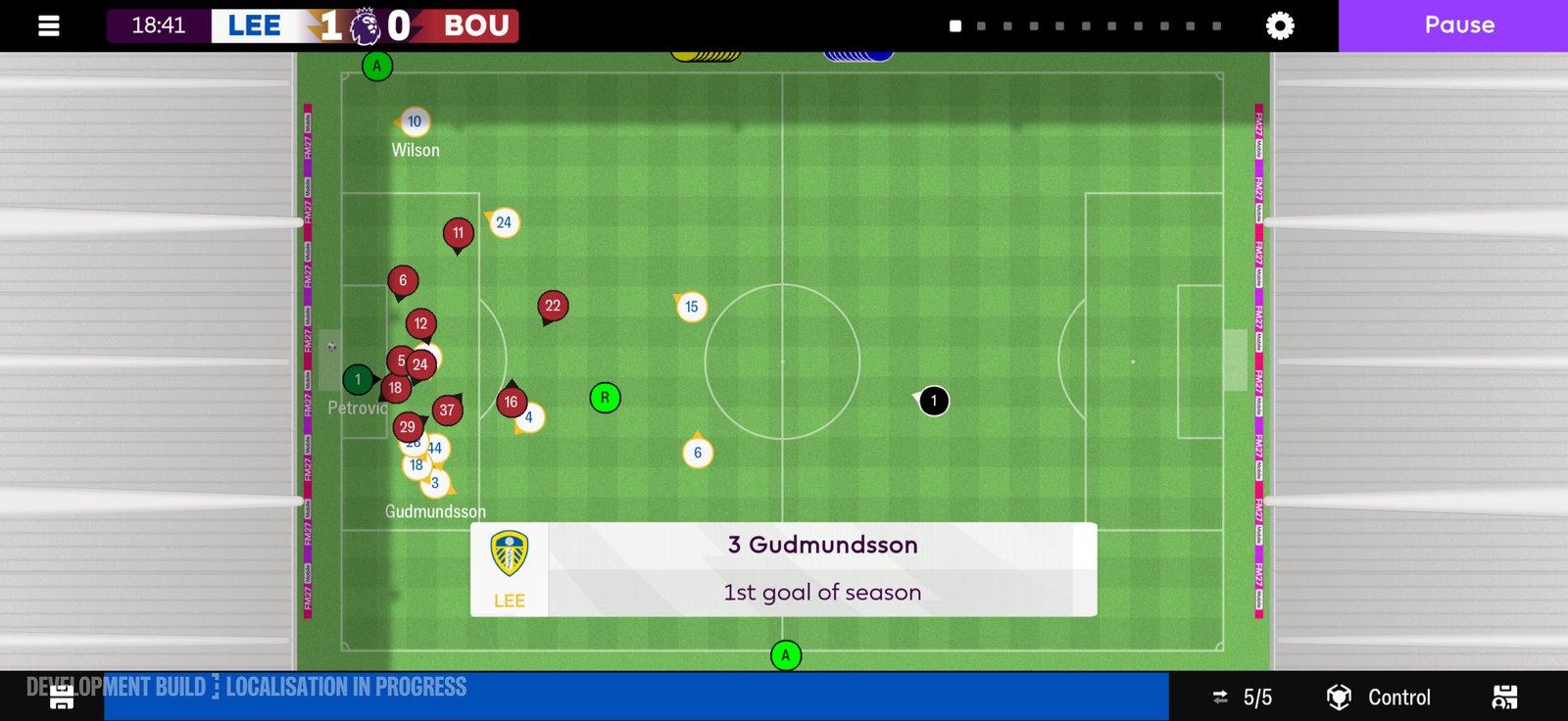
The 2D match view that the tactics menu feeds. Official screenshot, SEGA feature blog.
A reference, not a squad sheet
The blog says this to people picking up the phone game for the first time. Additional guidance is available from the Tactics menu at the start of your career. It highlights the best players around the world for each role. The point of that highlight is a reference point. Greater context for the specific roles in the game. Then you craft the shapes yourself. Best players in the world means players who are not your squad, used as a picture of the role. It does not mean those players are available to sign. It does not mean your opening team should be a copy of that list. It does not mean the highlight is a recommended XI for your club. A reference point is something you look at so the role makes sense. Then you look at your own players.
Best fit, which is a different line
The FAQ does not repeat the world list. It says: once you know who is fit to play, the Tactics menu offers further guidance on which players are the best fit for each position on the pitch. It helps you understand what roles and formations are the best fit for your team. That sentence starts with your fit players. Then it talks about positions. Then roles and formations that fit your team. It is guidance after you know who can play. It is not the career-start highlight of the best players in the world. A player who is the best in the world at a role can be a useless reference for a position your injured full-back cannot fill. The FAQ puts fitness first. The physio report is where risk, readiness, fatigue, and match load are assessed. Selection recommendations live there too. Know who can be considered, then use the tactics menu for the fit. Do not ask the world-reference list to cover a player who should not be picked. "Best fit for each position" is not a star rating. The posts do not say the guidance ranks your squad from a number. They say it offers guidance on fit. "Roles and formations are the best fit" is not a formation bonus. No post on this menu attaches a prize to a shape. The FAQ is telling you the menu helps you see which roles and which shapes suit the team you have. You still choose.
| Line | Who it is about | When they place it |
|---|---|---|
| Best players in the world, each role, as a reference | Not your squad sheet | Start of a career, first time on the phone game |
| Best fit for each position | Players who are fit to play | After you know who can be picked |
| Roles and formations that fit your team | Your team | Same FAQ answer, still guidance |
| New tactical roles after an update | Your tactic, set up by you | Tech FAQ, after you update |
The last row is a third text. It is not the menu highlight. It is here so you do not confuse a reference list with a role that carried over. More on that split is below.
First career, or a career you loaded
The blog attaches the world reference to the start of your career, and to picking the phone game up for the first time. If you pressed start again, that sentence is aimed at you. Open the Tactics menu early. Look at the reference for a role you do not understand yet. Then leave it. Build with the players you were given. If you continued from Football Manager 24 Mobile or Football Manager 26 Mobile, you are not picking the phone game up for the first time. The blog's "first time" clause is doing work. Do not assume the world highlight is the first thing a carried save shows. The posts do not say it is hidden on a carried save either. They attach that particular guidance to a first career start. The FAQ's fit guidance does not have that "first time" clause.
What the menu is not
It is not a search. Search filters look for personality and playing traits in the player database. Wind Up Artist, or Wind-up Artist, and Model Professional are the personality examples. Those filters do not pick your shape. They find people. The filter page is search by personality. It is not trait training. You train or remove a preferred move if the coaches allow it. The coaching structure decides which traits you can train. That is staff, not a tactics highlight. The trait page is train a trait. The staff page is the coaches. It is not the match. Between highlights you get extra stats and graphs, and Expected Goals shows in the match, in tables, and in post-match reports. That is how you read a game you played.
How to use the reference without copying it
Open the role you are unsure about. Look at who the menu holds up as a reference for that role. Ask what the role is asking a player to do, using the context the blog said the highlight is there to give. Then close that picture. Open your own squad. Use the FAQ's order. Who is fit. Who is the best fit for the position. Which role suits that player. Which shape suits the team. The posts say the menu helps you understand that. They do not say it selects the eleven. If the reference and your best-fit player look nothing alike, that is allowed. The reference is the best in the world at the role, in the blog's words. Your player is the best fit you have, in the FAQ's words. Those can be different people.
The call stays yours
The blog's support section ends on that point for the advice tools as a group. More support. The decisions stay yours. The fit line is guidance. A carried tactic is still yours until you change it. A new role waits until you set it up. None of those sentences picks the side for you. Tonight, if the career is new, open the Tactics menu and use the reference as a reference. If the career is old, open the tactic you had, then set up any new role you actually want. Either way, check who is fit before you treat a highlight as a team sheet. The highlight was never a team sheet. Sources: Feature blog, 5 November 2026. Community FAQ. Tech FAQ.